Have you ever tried explaining cloud services to someone outside the tech realm and ended up in a cloud of confusion? Well, you’re not alone. IaaS, PaaS, and SaaS might sound like a secret tech club, but they’re actually foundational pillars of cloud computing. Confused yet? Good. Stick around as we break these down like a bad relationship. Each has its quirks and advantages, and knowing the difference can save you from a technological heartbreak. Let’s immerse.
What Are IaaS, PaaS, and SaaS?
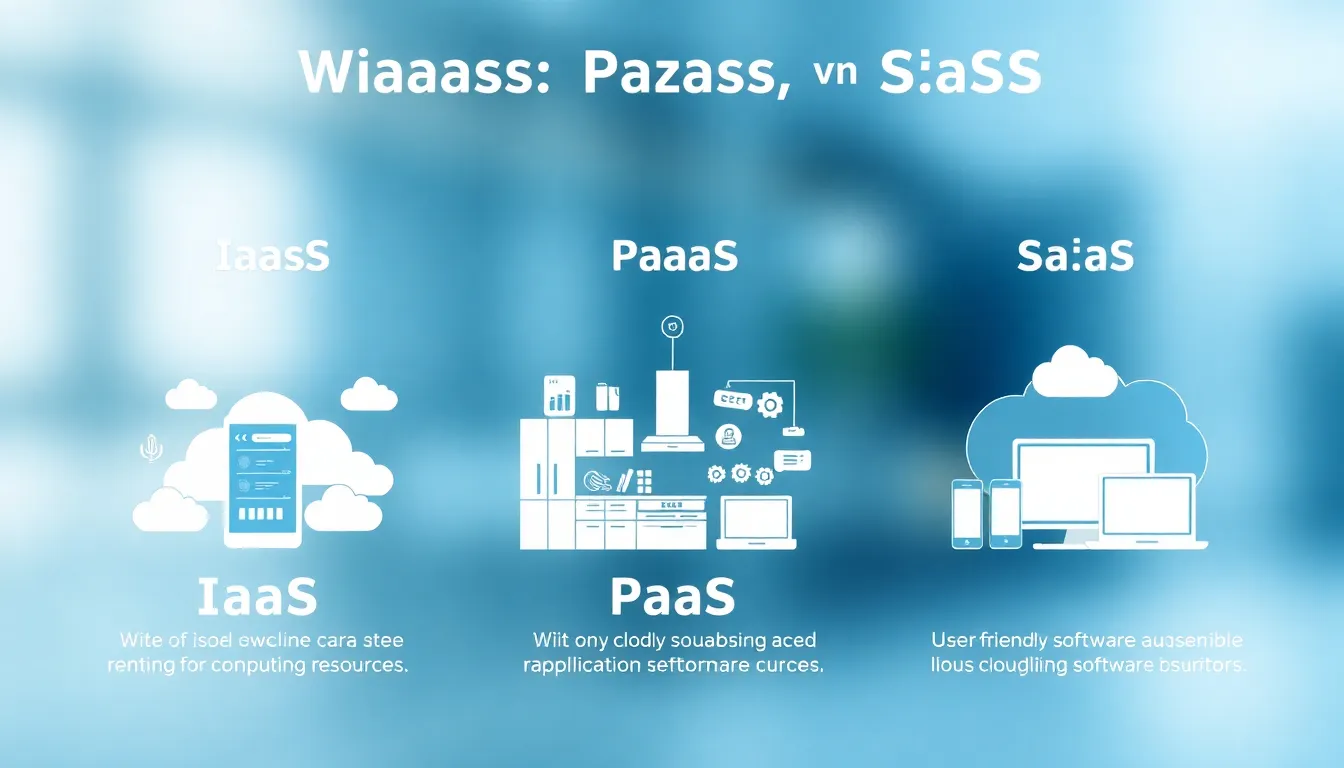
In the world of cloud computing, IaaS, PaaS, and SaaS represent three different service models, each offering unique capabilities for businesses.
IaaS (Infrastructure as a Service) provides virtualized computing resources over the internet. Think of it as renting a physical server without the need for hardware management.
PaaS (Platform as a Service) provides a platform allowing customers to develop, run, and manage applications without dealing with the complexity of building and maintaining the underlying infrastructure. It’s like giving developers a cozy kitchen to cook without having to buy the utensils and groceries.
SaaS (Software as a Service) is a software distribution model that allows users to access software applications over the internet, typically via subscription. Imagine having your favorite app served hot and fresh without the hassle of installation.
Understanding IaaS (Infrastructure as a Service)
IaaS stands out for businesses that need flexibility and control over their infrastructure without the headache of maintaining physical machines. With IaaS, clients can easily scale resources up or down based on their needs, which is incredibly beneficial during peak times.
In essence, IaaS includes servers, storage, and networking technologies typically hosted in the provider’s data center. Popular examples include Amazon Web Services (AWS), Microsoft Azure, and Google Compute Engine.
For organizations looking to jump into the world of cloud computing while maintaining oversight of their hardware resources, IaaS is a fantastic starting point.
Understanding PaaS (Platform as a Service)
PaaS fits perfectly for developers who want to build applications without getting bogged down by infrastructure concerns. This service model provides a platform with tools and services needed for application development, from hosting to testing to deployment. It brings everything together in one environment.
PaaS includes services such as databases, middleware, and development tools to speed up the development process.
Major providers include Heroku, Google App Engine, and Microsoft Azure App Services. In short, PaaS takes care of the messy bits so that developers can focus on what matters most: delivering outstanding applications.
Understanding SaaS (Software as a Service)
SaaS has become the go-to solution for businesses that want to use software without the hassle of managing it. This model supplies users with access to software applications via the internet, allowing seamless collaboration and flexibility.
Think email services like Gmail or customer relationship management tools like Salesforce. With SaaS, updates and patches are managed by the provider, making life easier for users while ensuring access to the latest features.
One of the most significant advantages of SaaS is that it eliminates the need for installation and maintenance, leaving users free to concentrate on their core business activities.
Key Differences Between IaaS, PaaS, and SaaS
When debating IaaS, PaaS, and SaaS, the essential differences come down to resource management, user control, and the level of abstraction:
- Resource Management:
- IaaS: You manage everything from the OS to the applications.
- PaaS: The provider manages the infrastructure, letting you focus on application development.
- SaaS: The provider handles everything: you simply use the software.
- User Control:
- IaaS: Offers the most control: choose your OS and middleware.
- PaaS: Control over the applications and data.
- SaaS: Limited to the configurations provided by the app.
- Use Cases:
- IaaS: Ideal for businesses needing extensive infrastructure control.
- PaaS: Perfect for developers focused on application creation.
- SaaS: Best for organizations aiming for quick software access and collaboration.
Advantages and Disadvantages of IaaS, PaaS, and SaaS
Each model carries its pros and cons, which can influence decision-making for organizations:
IaaS
- Advantages:
- Complete control over the infrastructure.
- High scalability to adapt to changing needs.
- Disadvantages:
- Requires technical expertise to manage resources effectively.
- Can become costly with scaling.
PaaS
- Advantages:
- Enables faster development with integrated tools.
- Less maintenance as the provider manages hardware and software.
- Disadvantages:
- Limited customization options compared to IaaS.
- Provider’s platform could limit certain advanced features.
SaaS
- Advantages:
- Easy to use with intuitive interfaces.
- Automatic updates reduce the workload on IT teams.
- Disadvantages:
- Less control over the software environment.
- Data security concerns as sensitive information is stored on third-party servers.
Use Cases for IaaS, PaaS, and SaaS
Understanding when to use each model can vastly improve operational efficiency:
- IaaS:
- Best for businesses needing to run large-scale web applications, such as e-commerce platforms.
- Used by companies requiring heavy workloads that can be scaled as needed.
- PaaS:
- Ideal for startups and enterprises developing new applications without investing heavily in hardware.
- Frequently utilized in the mobile development landscape, providing tools that ease app creation.
- SaaS:
- Employed by organizations looking for essential tools like email marketing or project management, with little to no customization required.
- Perfect for remote teams needing collaboration tools without messy installations.